 Paperling
Markdown reader & editor
Plain text.Beautifully read.
Open any .md file and it reads like a page. Free, offline, no account.
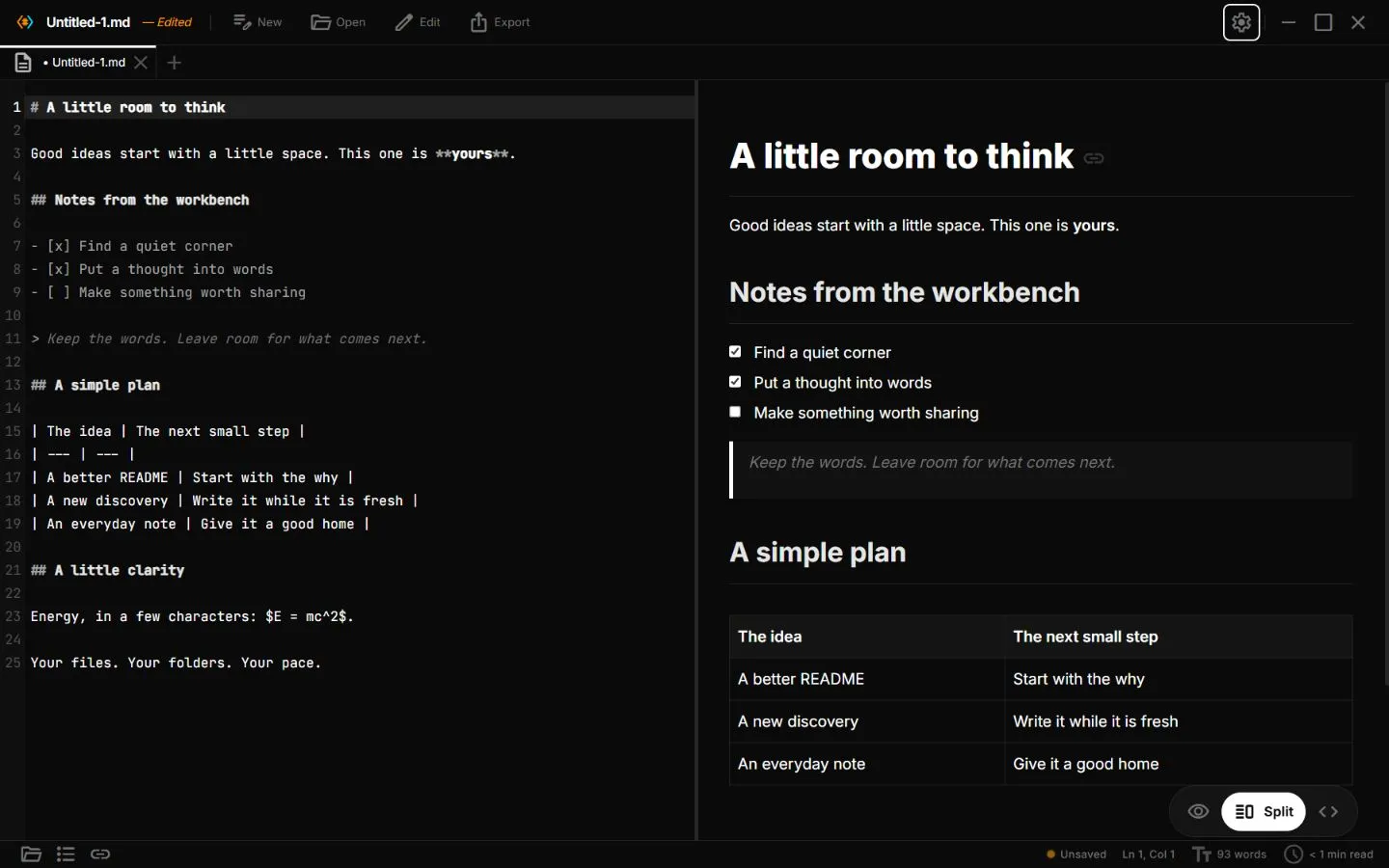
One file.
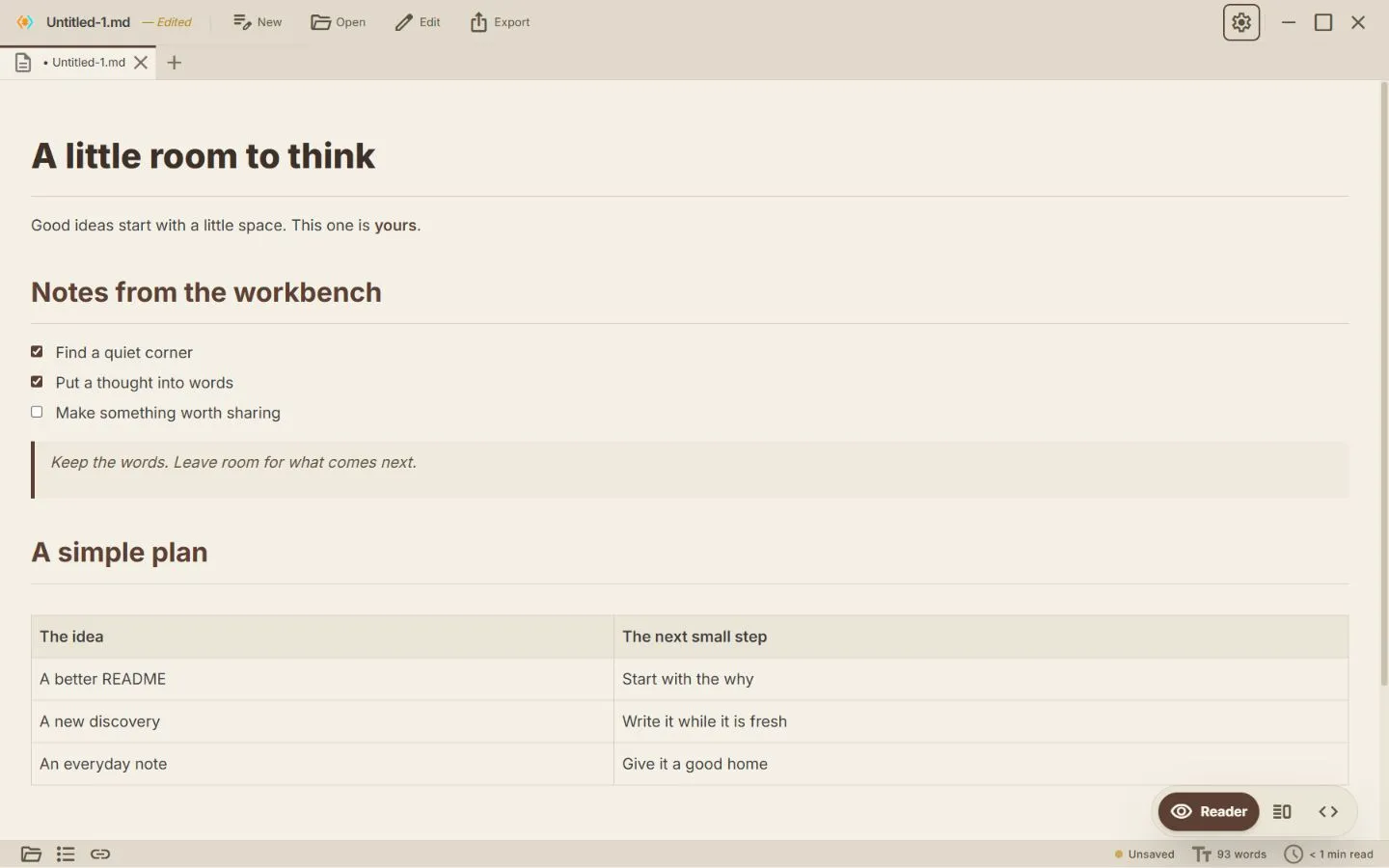
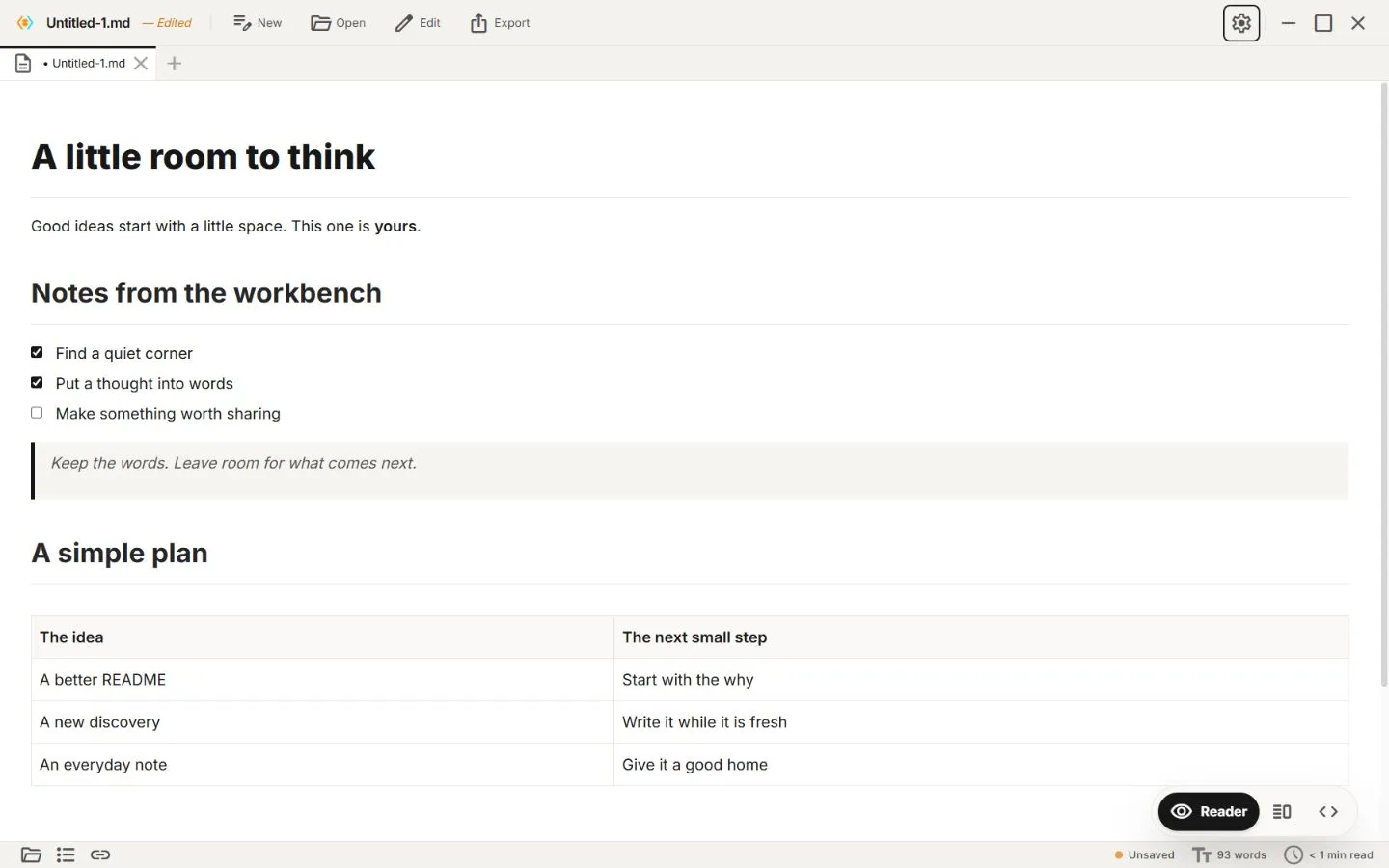
Read it your way.
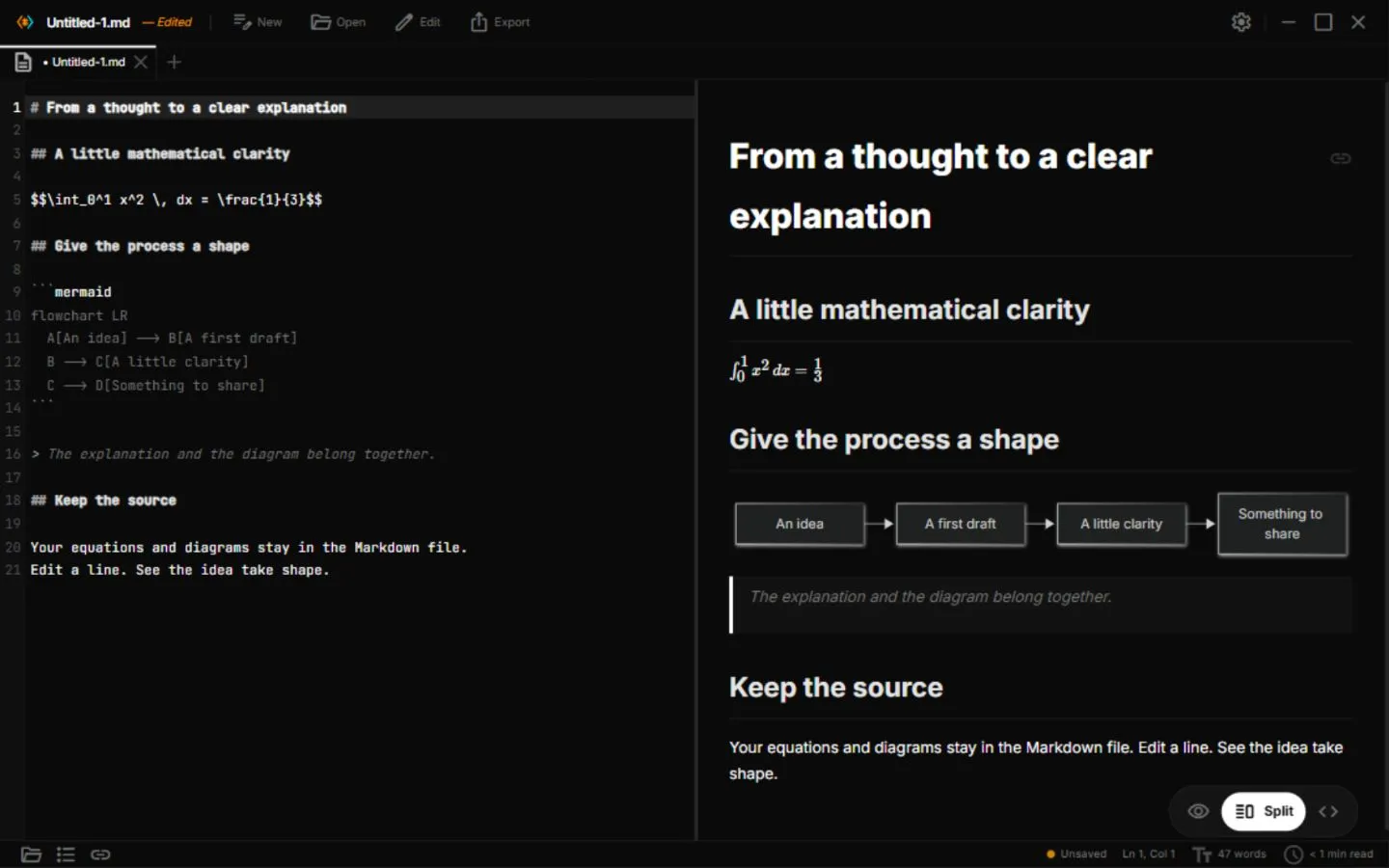
A warm page, a bright one, or math and diagrams in place.
Less fiddling.
More “there it is.”
A quiet place
to get it down.
Focus mode, slash commands, and table tools. Room for the words.
For wonderfully
complicated ideas.
Math and Mermaid diagrams. Written as text, rendered live.

A little assistance.
Your final say.
Optional AI. Review every suggested edit. Provider costs may apply.
Everything else is one search away.
Reader, Code, Split
Read it rendered, edit the source, or keep both side by side.
Slash commands
Type / for headings, lists, tables, math, and callouts.
Command palette
Jump to any command, file, or heading from the keyboard.
Mermaid diagrams
Flowcharts and sequence diagrams from a few lines of text.
Table tools
Edit Markdown tables visually. Tab moves between cells.
Wikilinks & backlinks
Link notes with [[double brackets]] and see what points back.
Seven themes
Light, dark, paper, and more, with adjustable reading fonts.
Zen mode
Press F9 and everything but the page steps aside.
Careful saves
If a file changed on disk, Paperling asks before overwriting.
Export
Share your document as HTML, PDF, or Word.
Optional Vim mode
Modal editing for those who want it. Off by default.

No account
No sign-in. Your notes stay ordinary files in your folders.
Nothing called “” yet.Suggest it ↗
Made for myself.
Shared with you.
“I built Paperling when I was starting my journey. I wanted an easier way to read .md files, so I made one for myself.”
— Saqlain, creator of Paperling
The story & the source ↗
The next big thing
Start small. Start today.
Write it down
Show someone
A note to myself
Good ideas need room.
Not another login.
A small discovery
.md files are just text.
They open anywhere, forever.
# The next big thing
Start small. **Start today.**
- [x] Write it down
- [ ] Show someone
# A note to myself
Good ideas need room.
> Not another login.
# A small discovery
`.md` files are just text.
They open *anywhere*, forever.
Yours to write. Yours to keep.
Your editor.
Your kind of thinking.
A few honest comparisons. Find what fits you.
Good questions.
Straight answers.
Is Paperling free?
Yes. Paperling is free and open source under Apache-2.0, for personal and commercial use. Optional third-party AI providers may charge for their service.
Do I need an account or a vault?
No. Download the app and open a Markdown file. There is no Paperling account, vault setup, or plugin installation required for the bundled editor features.
Can I use it offline?
Yes, local reading and editing work offline. Remote AI, online images, and update checks can use the network. Choose a local AI setup if you want local inference.
Which platforms can I download it for?
Windows, macOS, Linux, and Android. Android is distributed as an arm64 APK on GitHub Releases. There is currently no iOS version.
Does Paperling support right-to-left languages?
Yes. Arabic, Hebrew, Persian and Urdu lines read right-to-left automatically in the editor and the reader, while code stays left-to-right. You can also force a direction in Settings → Editor → Text direction.