Free. Offline. Open source.
All your files.
One quiet app.
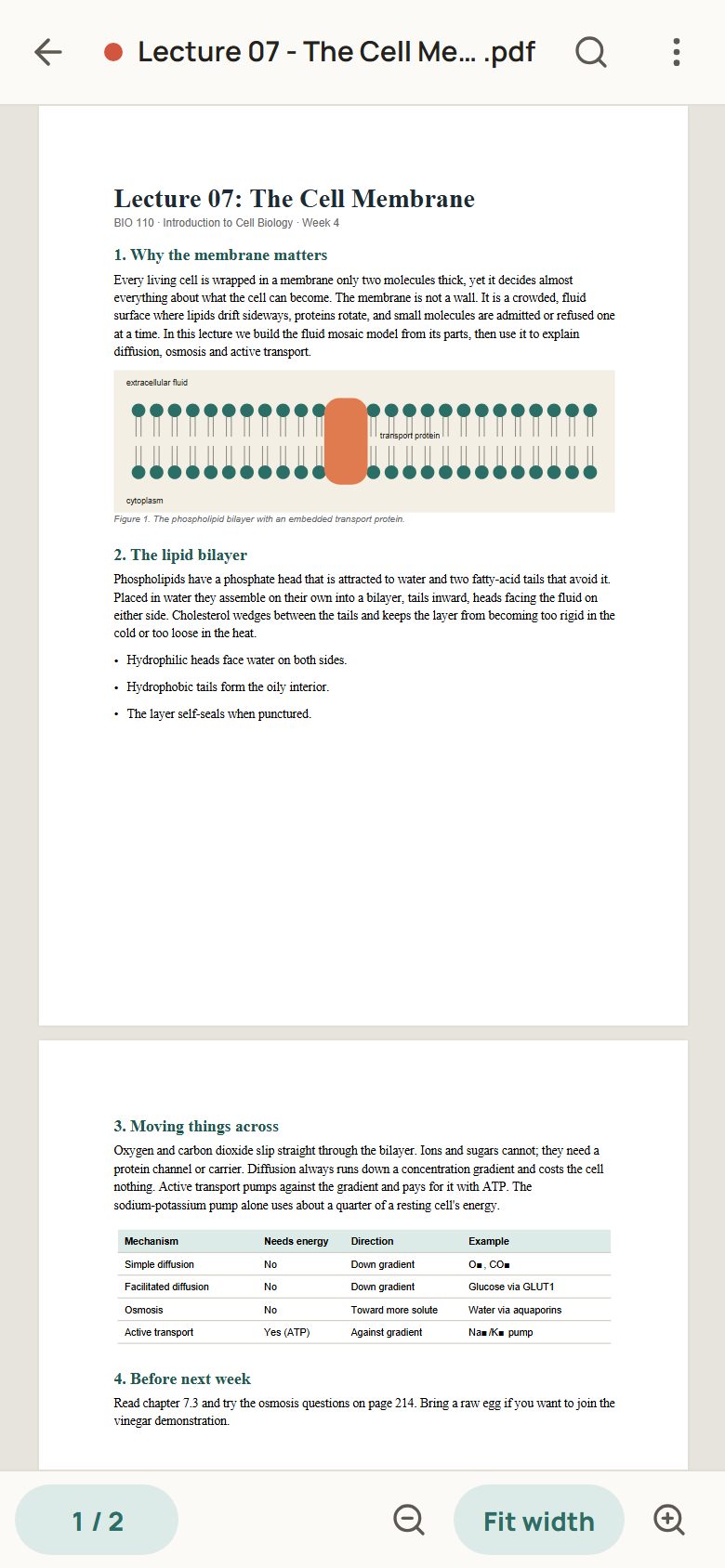
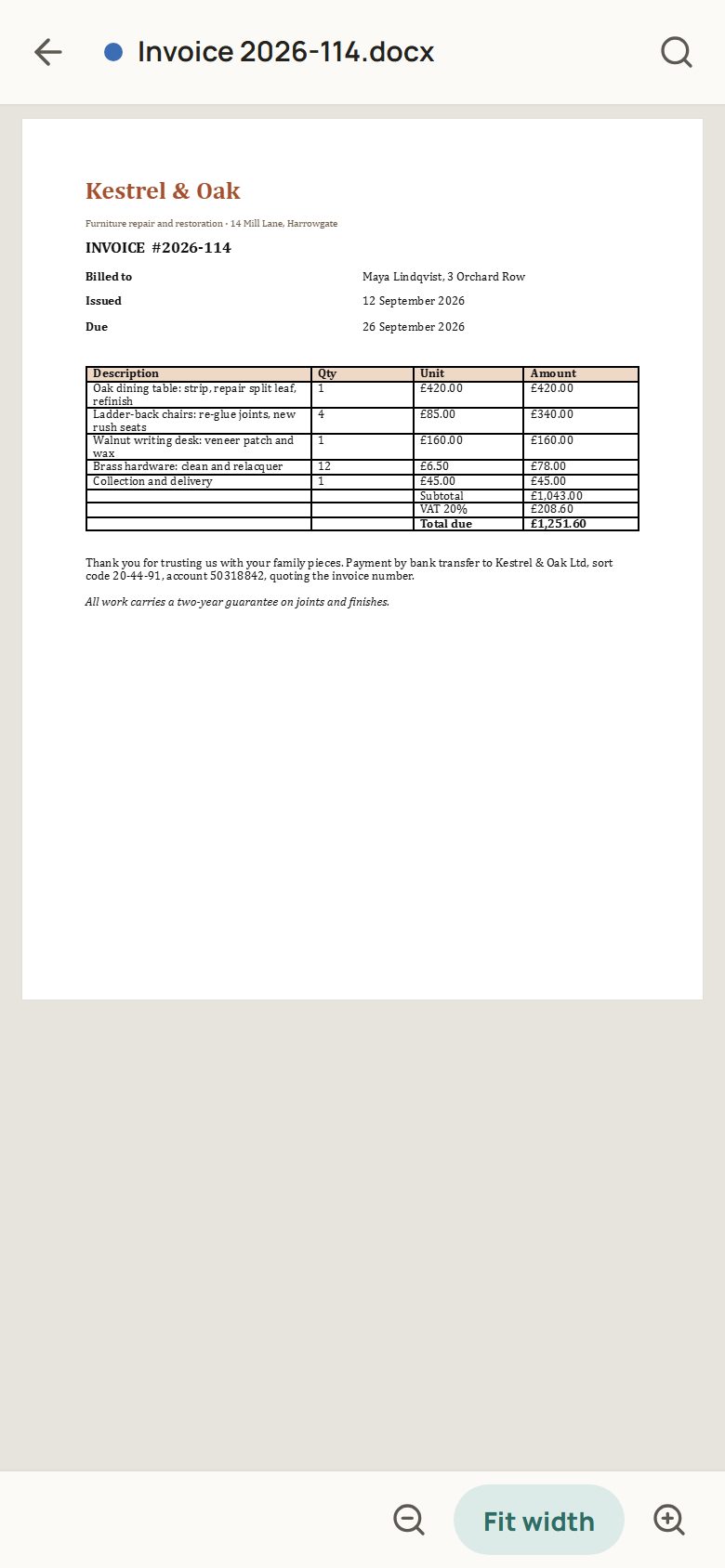
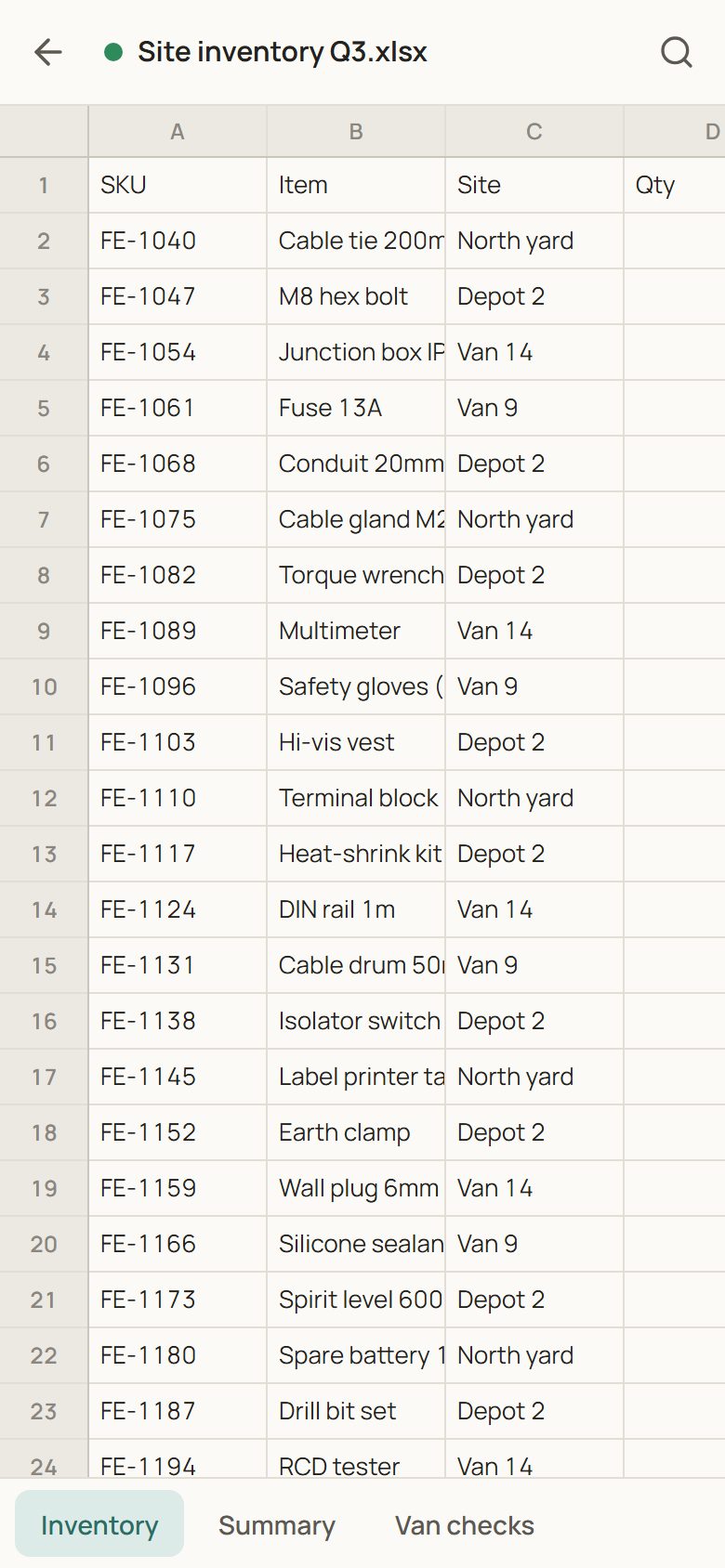
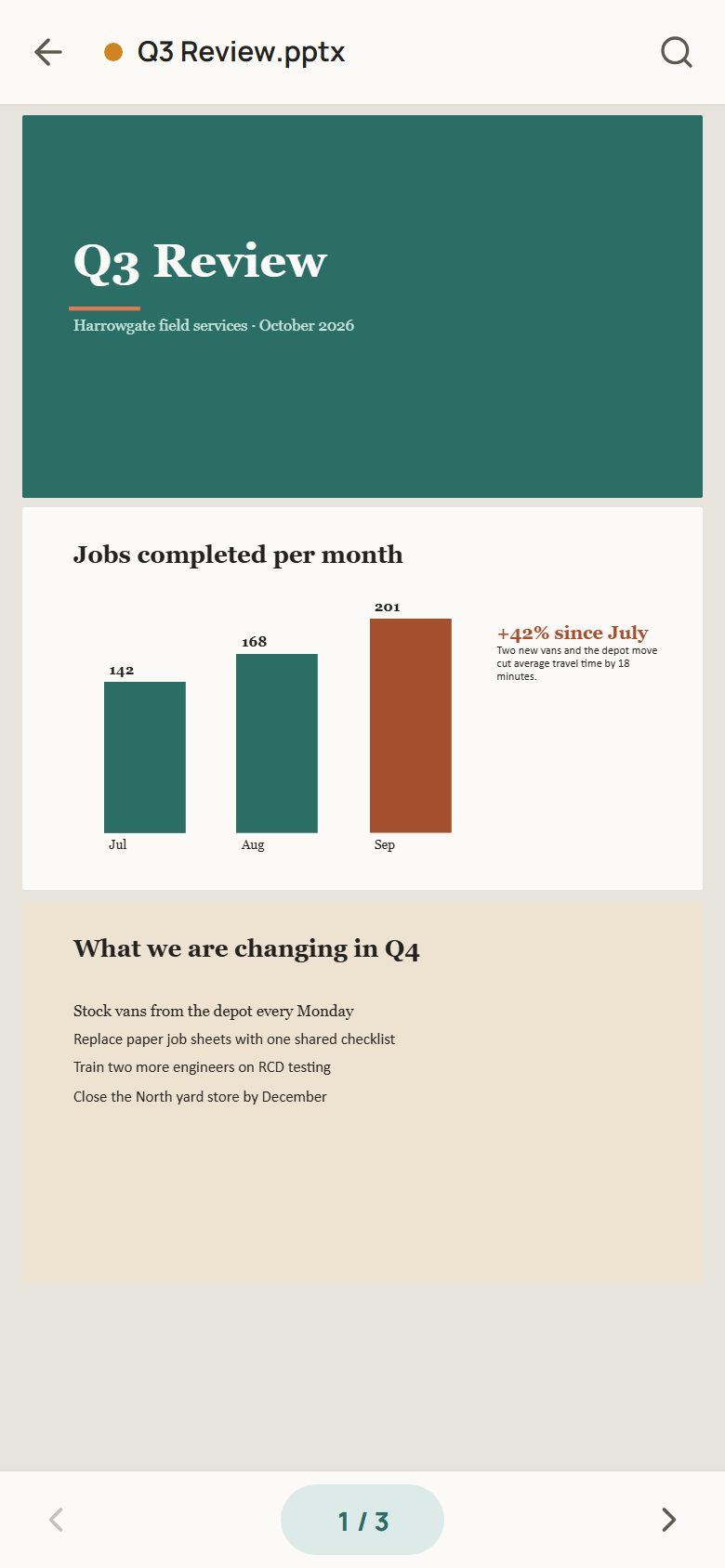
Open PDFs, documents, sheets and slides.
No accounts. No ads. Nothing in your way.
Drag an icon. Pull further to let it spring back.
At home on your PC.
PDF on Android · Your library on Windows
What it opens
One app. All the usual files.
Documents, sheets and slides, in their original layout.
More than the big four.
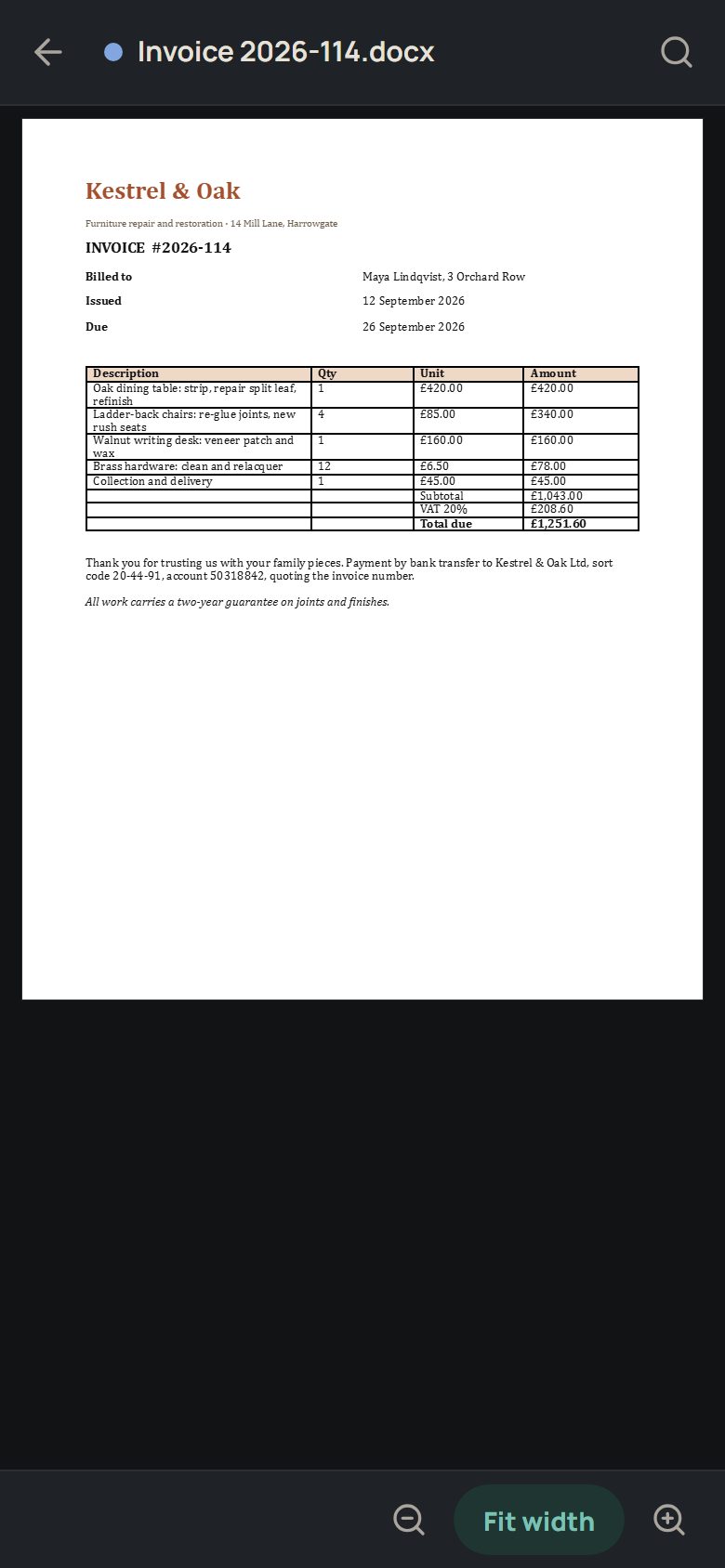
- DocumentsWord, PDF, OpenDocument and RTF
See formats
Read reports, letters and notes.
PDF · DOCX · DOC · ODT · RTF - SpreadsheetsExcel, OpenDocument and CSV
See formats
Browse tables and switch between sheets.
XLSX · XLS · ODS · CSV - PresentationsPowerPoint and OpenDocument
See formats
Read slide decks and speaker notes.
PPTX · PPT · ODP - Text & codeMarkdown, plain text and JSON
See formats
Read notes, logs and formatted Markdown.
MD · TXT · JSON
Three calm themes
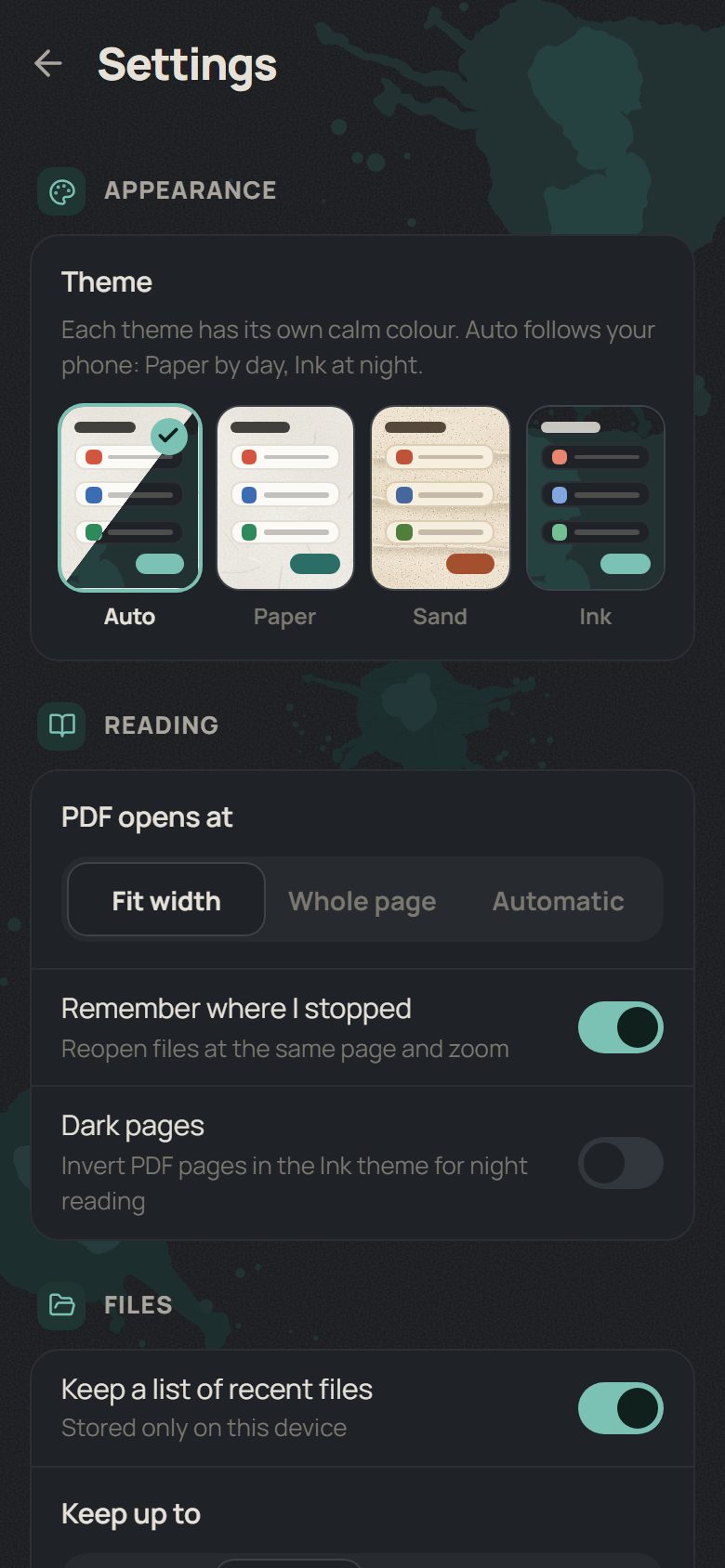
Find your reading light.
Change the mood.
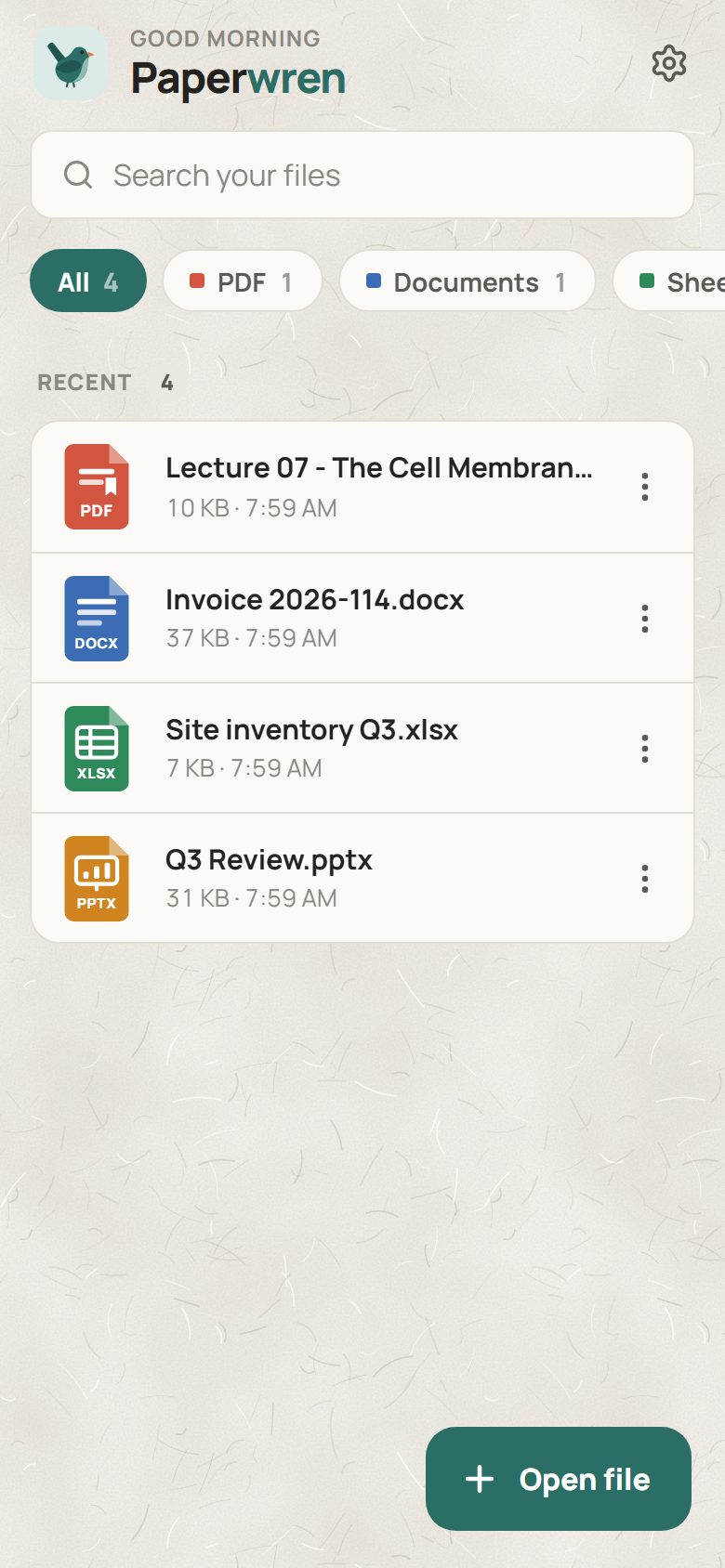
Soft paper. Made for daylight.
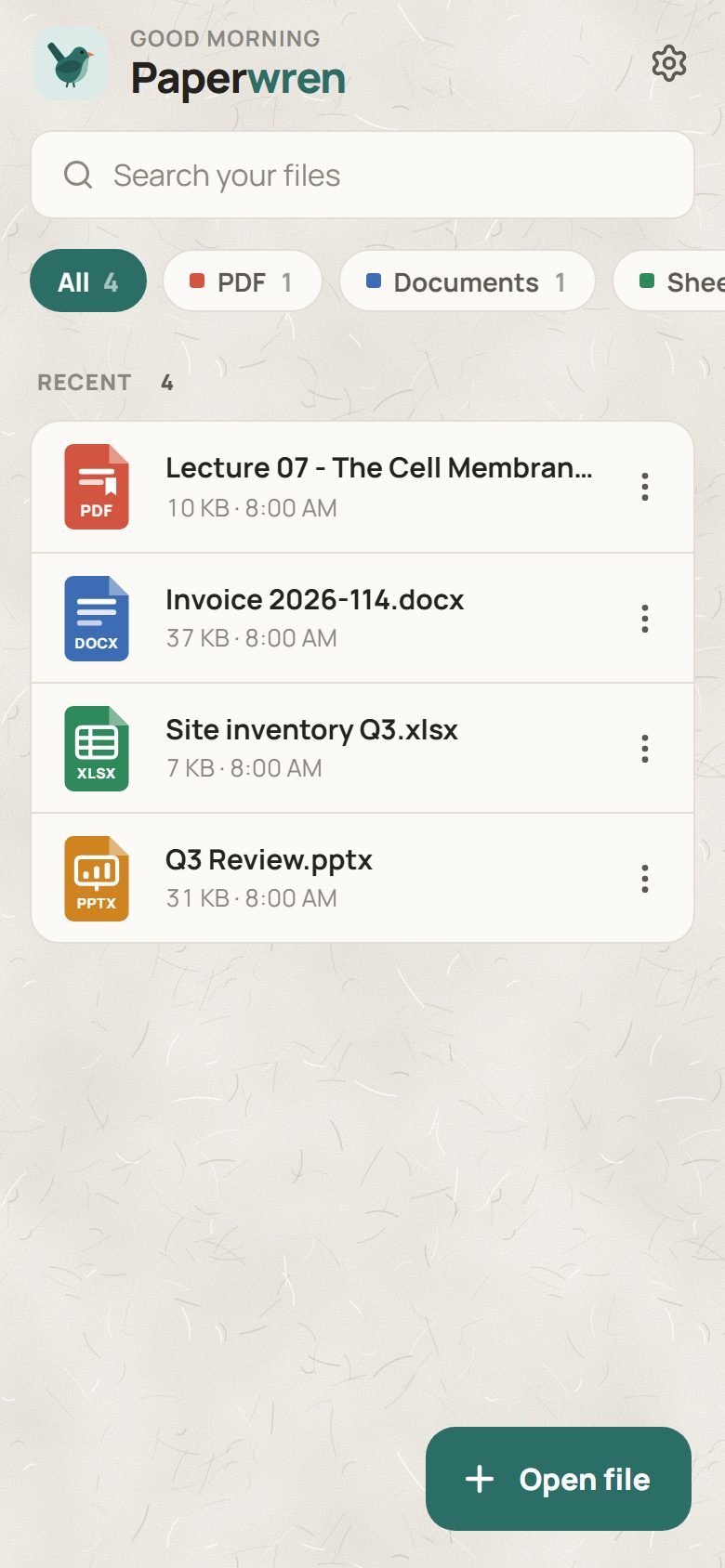
Warm sand. For long evenings.
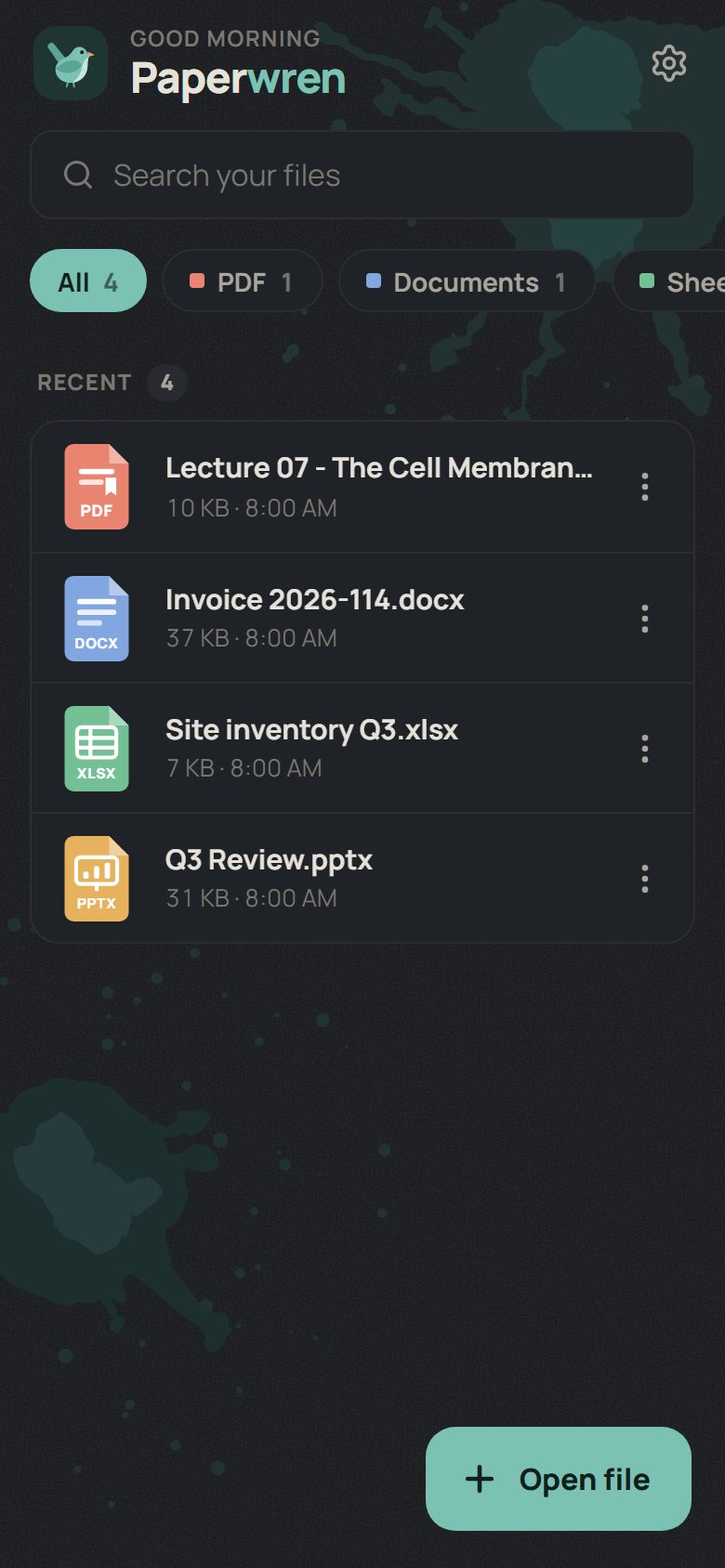
Soft charcoal. For late nights.
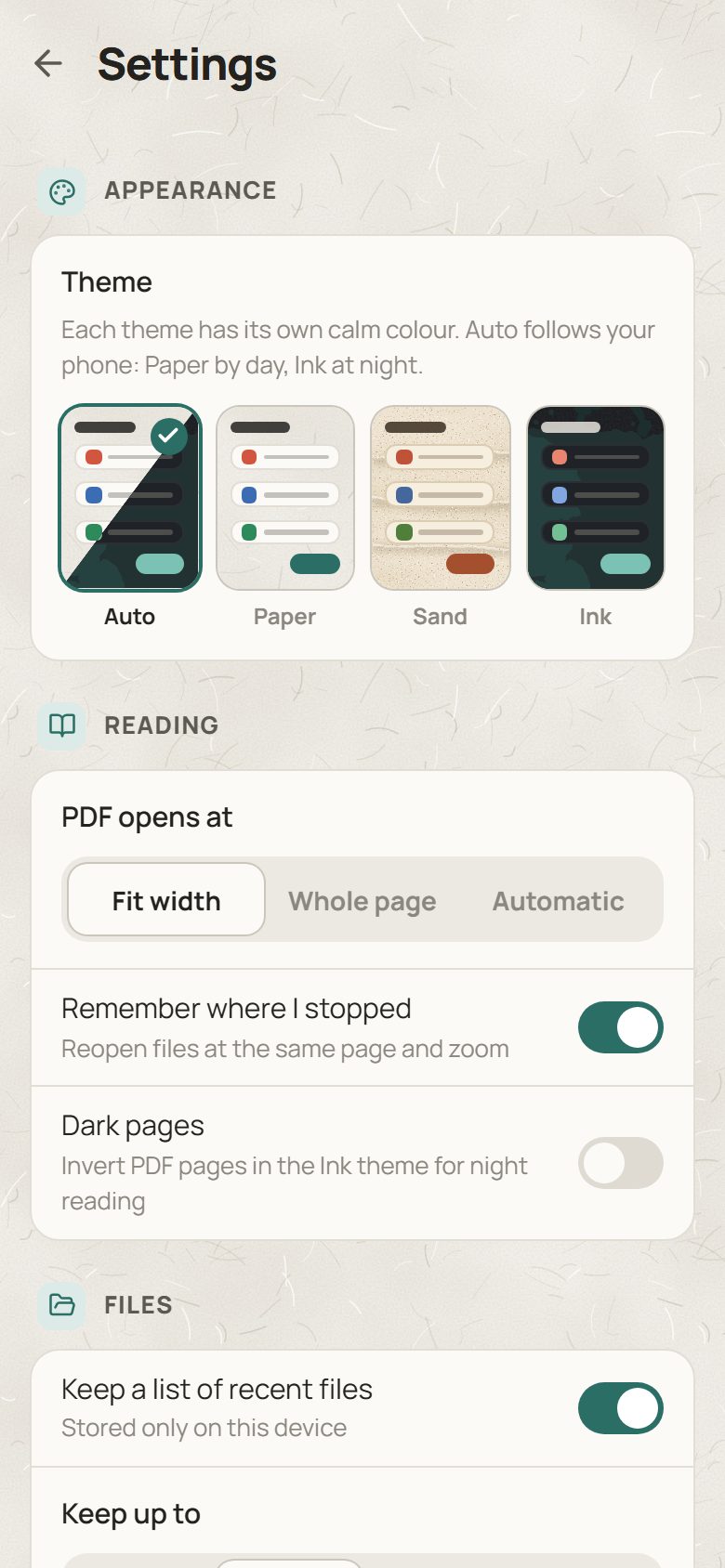
Or choose Auto: Paper by day, Ink at night.
Also on your PC
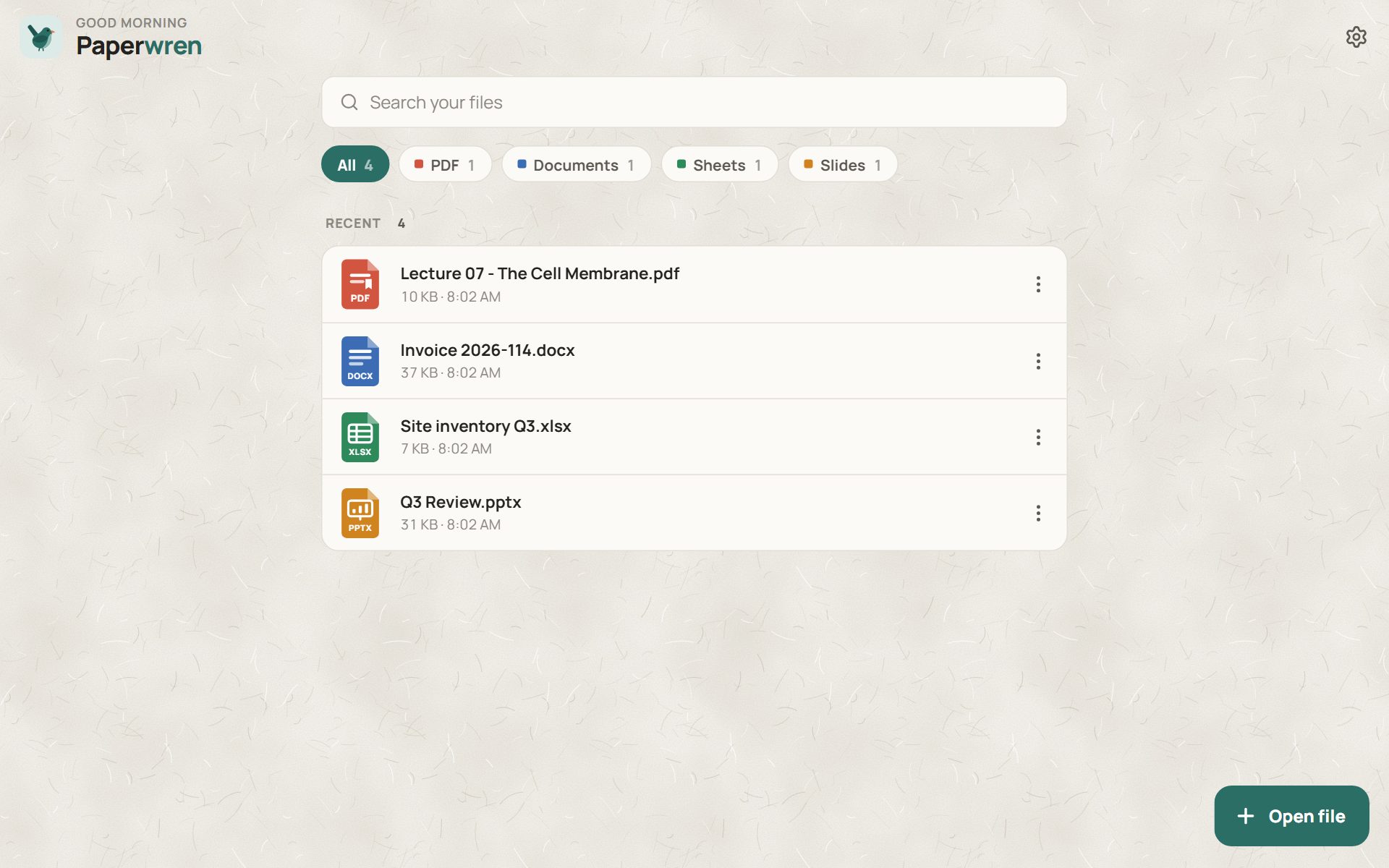
The same calm, on Windows.
A 2.2 MB installer with the same viewers, themes and recents, in a window that stays out of the way.
Compared
A little less baggage.
Compare the essentials. Choose what fits.
| Feature | Paperwren | WPS Office | Microsoft 365 Copilot | Adobe Acrobat Reader | MobiOffice | Google Drive |
|---|---|---|---|---|---|---|
| Ads | None | Listed | Listed | Listed | Listed | None listed |
| Paid extras | None | Yes | Yes | Yes | Yes | Yes |
| Account | Not needed | For extra features | Microsoft account | For extra features | For extra features | Required |
| Data sharing | None | None declared | Declared | Declared | Declared | None declared |
| Data collected | None | None declared | Declared | Declared | Declared | Declared |
| Internet access | No access | Uses internet | Uses internet | Uses internet | Uses internet | Uses internet |
| Edits documents | View only | Yes | Yes | Yes | Yes | Separate apps |
Google Play disclosures · 27 September 2026. Listings may change. Sources & full details ↗
Questions
Fair questions.
Is Paperwren really free?
Yes. There is no paid tier, no subscription and no in-app purchase. The app is open source under the MIT licence.
Does it need an internet connection?
No. Paperwren never connects to the internet. The Android app does not even request the internet permission, so it works the same on a plane as it does at home.
Which files can it open?
PDF (including password-protected files), Word .docx, Excel .xlsx, .xlsm, .xlsb and .xls, PowerPoint .pptx, OpenDocument .odt, .ods and .odp, legacy .doc and .ppt, RTF, CSV, TSV, Markdown, plain text, logs, JSON and XML.
Can I edit documents with it?
No, and that is deliberate. Paperwren is a viewer. Leaving editing out is what keeps it small, fast and free of accounts. If you need to edit, a full office suite is the right tool.
Where are my files stored?
Files you open stay where they are. So a recent file can be reopened after you close the app, Paperwren keeps a private copy that only it can read, capped at 250 MB in total. You can clear those copies in Settings at any time.
Why is the Android app an APK instead of a Play Store listing?
Paperwren is currently published on GitHub Releases, built automatically from the public source code. Your phone will ask once whether your browser may install apps. Paperwren itself still asks for nothing.
Is there an iPhone version?
Not yet. Paperwren is available for Android and Windows.
Get Paperwren.
Free on Android and Windows. Install it, open a file, done.
Download from GitHub Releases. Open source, always.