- Auto-zoomThe camera glides to what you click, then back out. On Windows, for free.
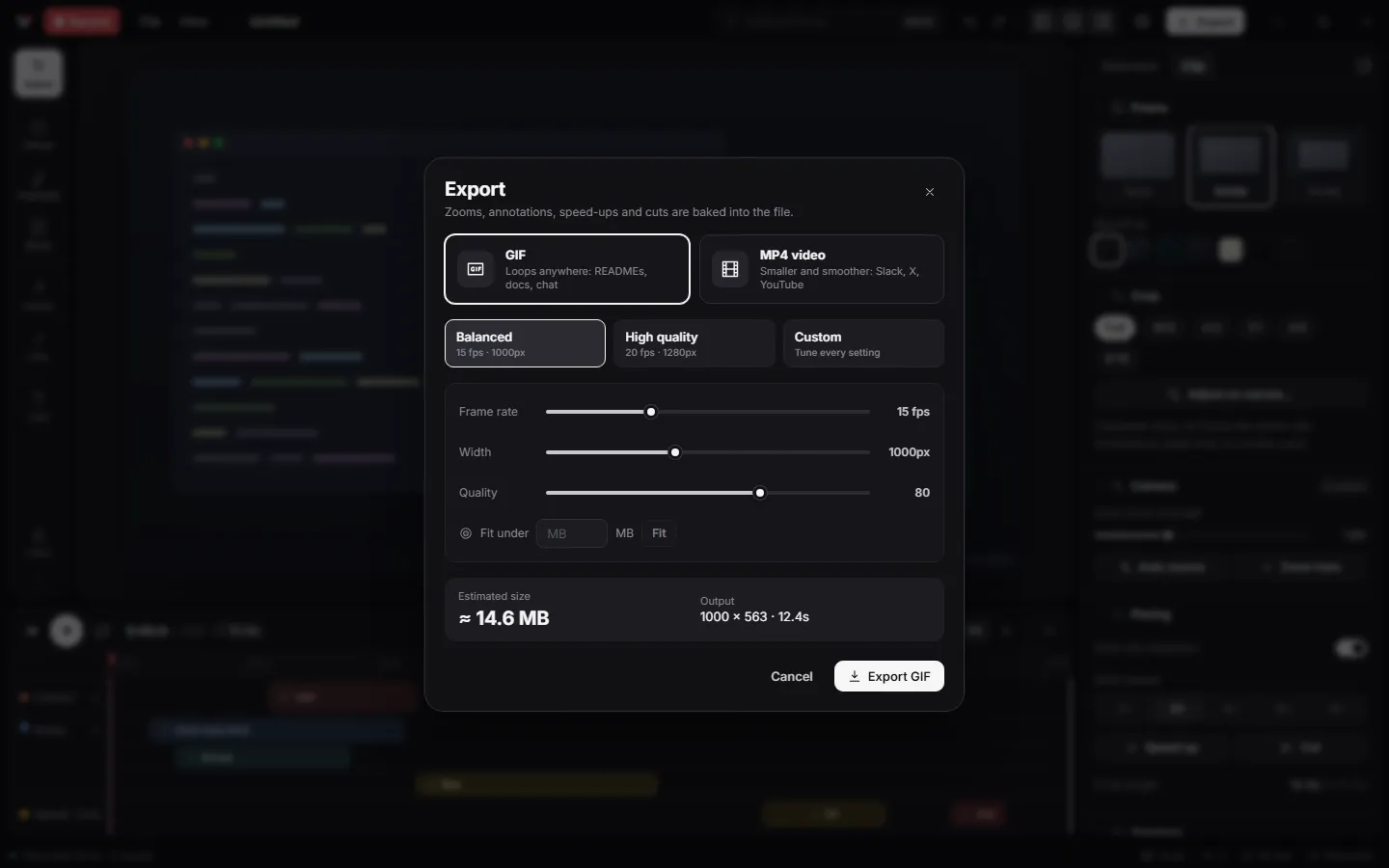
- GIF and MP4 exportSee the file size before you export. Paste it into GitHub, Slack or a changelog.
- Offline captionsYour narration becomes captions without uploading a thing.
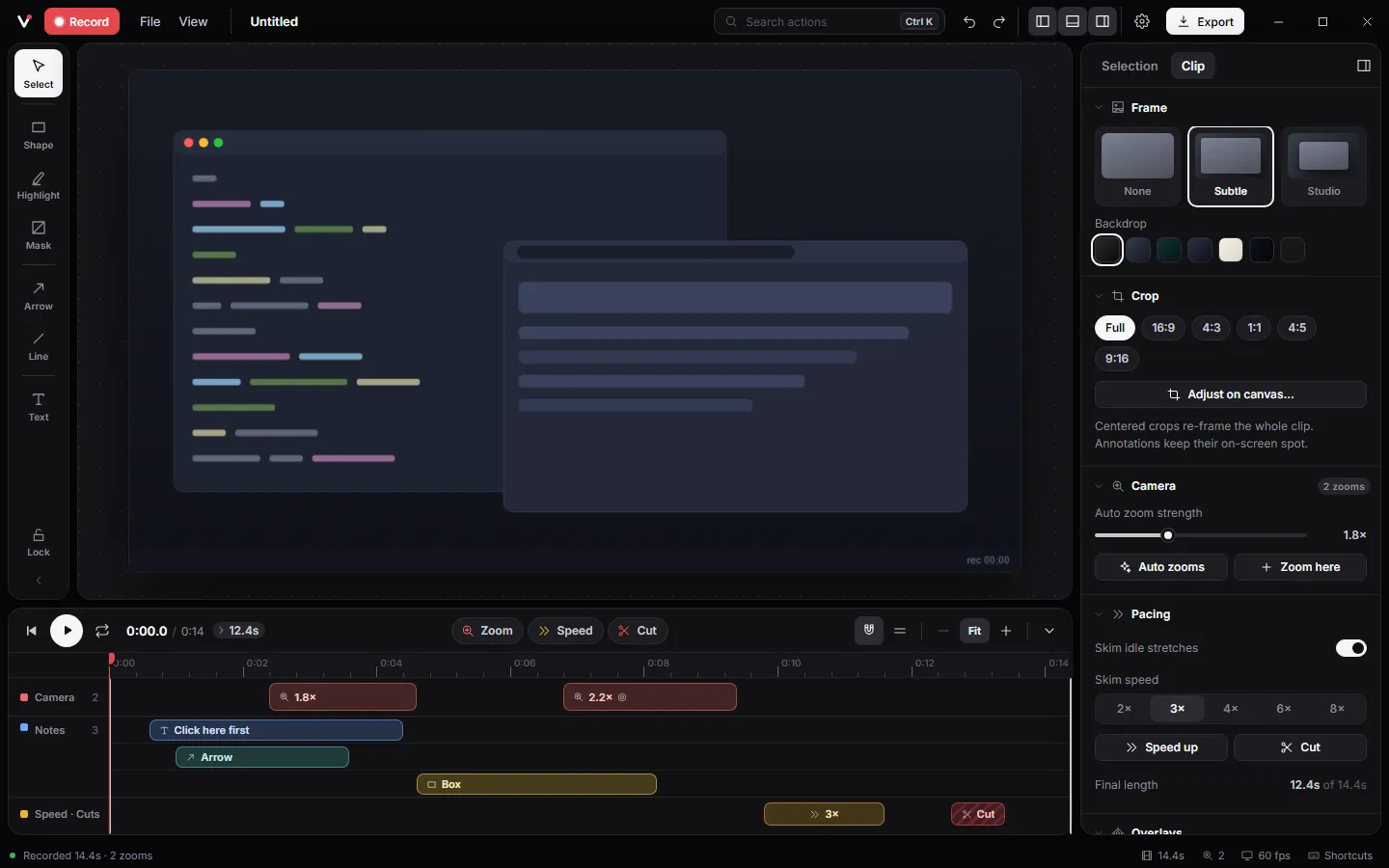
- EditorTrim, cut, speed up and draw on the video. One timeline, no video suite.
- Audio and webcamNarration, system sound and a webcam bubble, recorded together and kept in sync.
In detail.
- 01Auto-zoom on clickThe camera glides into the action, never a hard cut.
Press Ctrl+Shift+Z while recording, or let Auto zooms plan every zoom from your clicks at the strength you pick. Each zoom has an aim and a feel, Smooth, Snappy or Slow, with a touch of motion blur.
- 02A smooth pointerRecord without the real cursor and get a clean one back.
Vuoom redraws the pointer from your movements: jitter smoothed out, a press on every click, sized to stay legible in a small GIF, and fading away while it rests.
- 03Narration and system soundMicrophone, computer audio, or both, each on its own track.
Live level meters while you frame the shot, waveforms on the timeline, volume and mute per track, and audio that stays in sync through every cut and speed-up.
- 04You, in the cornerA webcam bubble you can move, resize and reshape later.
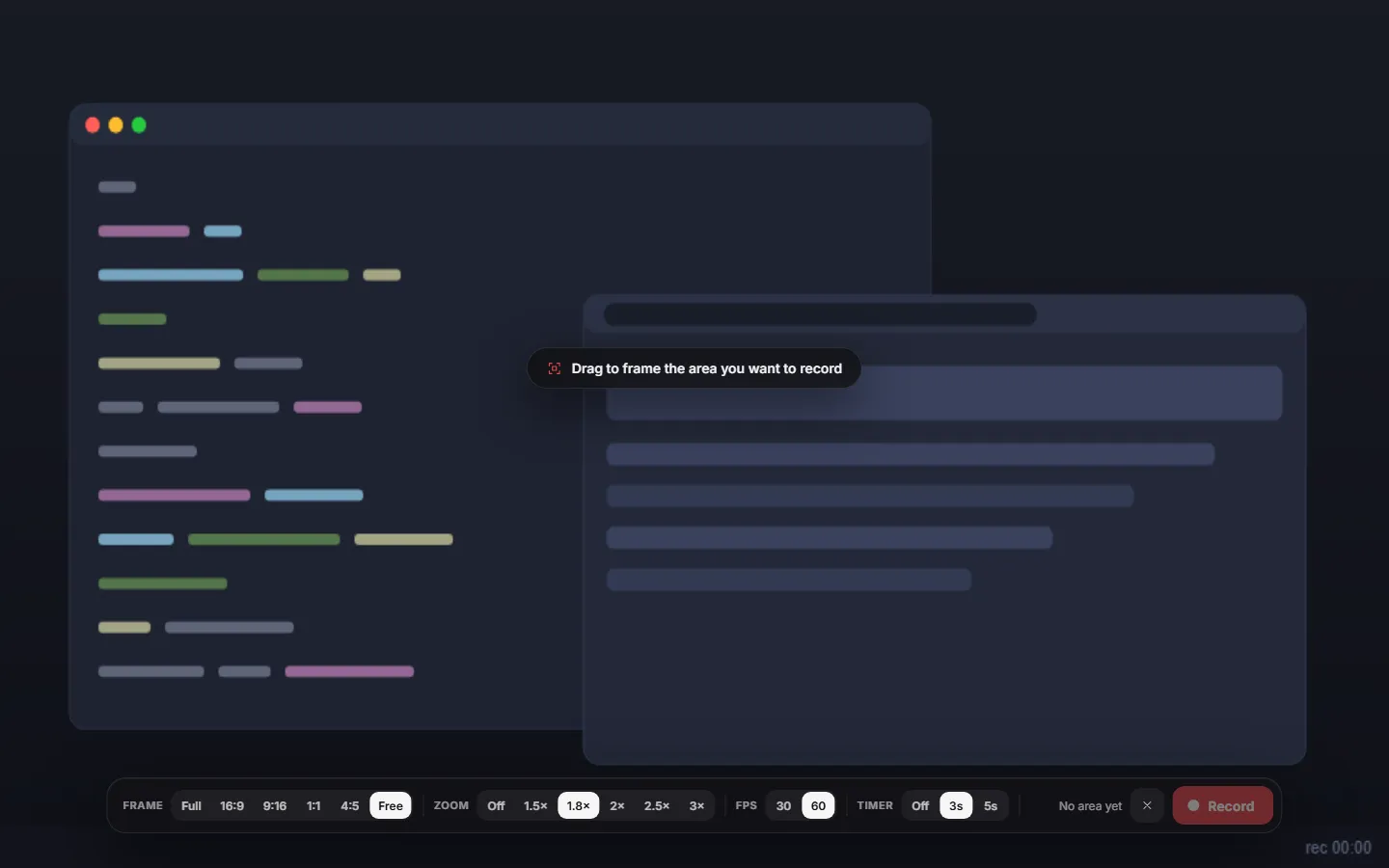
Circle, rounded square or 16:9, in any corner, mirrored or not. The record HUD previews it live, right where it will sit.
- 05Studio-clean voiceOne switch removes fan noise, hum and hiss.
RNNoise cleans the room, a leveller evens out a voice that drifts toward and away from the mic, and peaks stay under clipping. Both work on a copy, so the original is one click away.
- 06Captions, made offlineYour narration becomes captions on your own PC.
whisper.cpp runs locally; the speech model downloads once and nothing is uploaded. Fix any word, drag to retime, burn them into the video or save an .srt file.
- 07Draw on the videoText, arrows, a pen, a marker, a spotlight, and blur.
Every annotation gets its own timeline bar, colour, opacity, fades and stacking order. Redaction masks hide what should not be seen.
- 08GIF or MP4, smallA live size estimate and a fit-under-N-MB helper.
Optimised GIF, or H.264 MP4 up to 60 fps encoded on your GPU when available. One click copies the file, ready to paste into GitHub, Slack or a changelog.
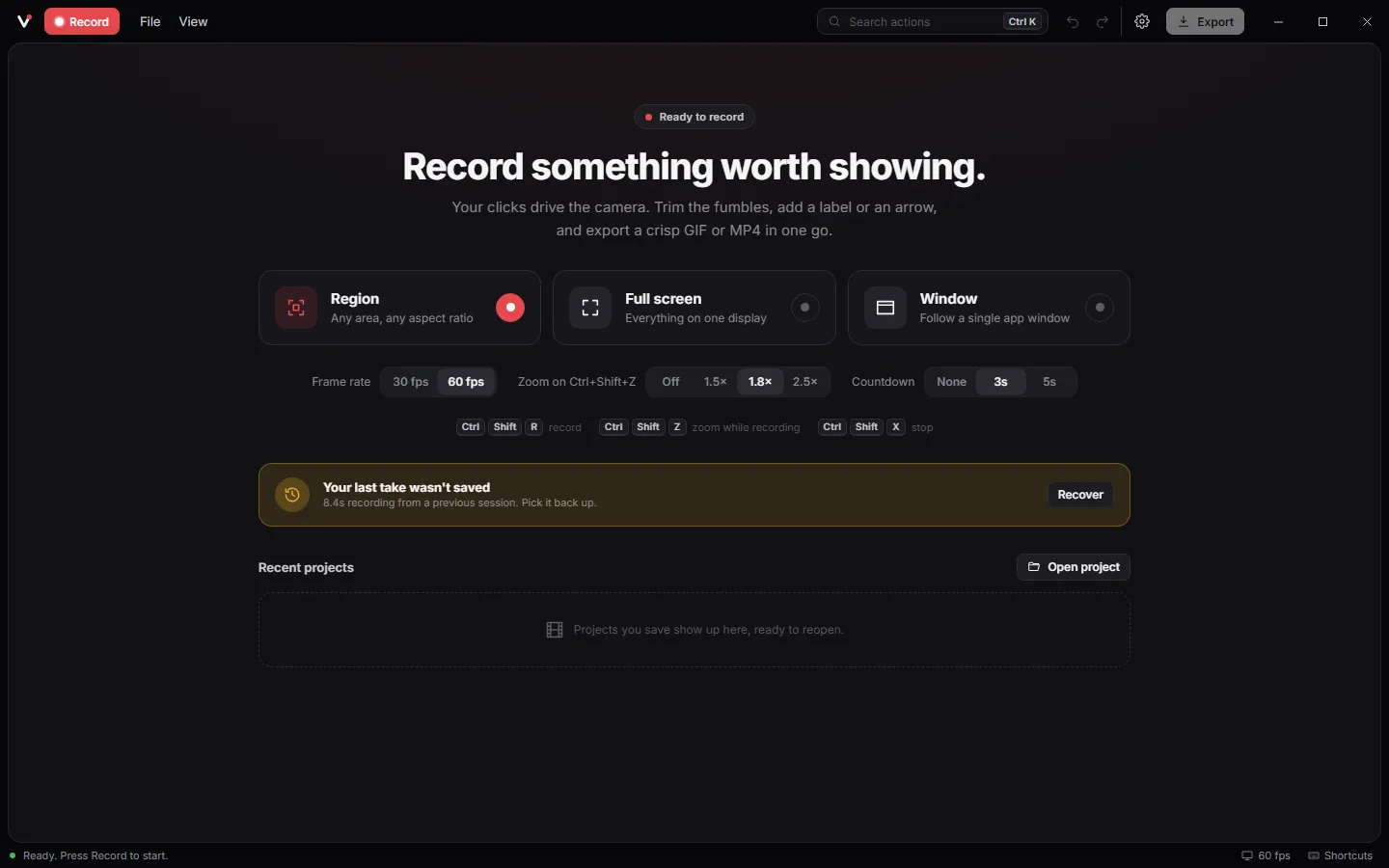
- 09Nothing lost in a crashFrames stream to disk while you record.
Recordings are stored as compressed deltas, typically 20 times smaller than raw pixels, so length is bounded by your drive and the last take can be recovered after a crash.
And the small things.
- Region, full screen or a single window, on any monitor
- Aspect presets: 16:9, 9:16, 1:1, 4:5
- 24, 30 or 60 fps, paced to save CPU
- Pause and resume while recording
- Click ripples and a keystroke overlay
- Frames and backdrops, or your own picture
- Five themes and a reduced-motion mode
- Search every action with Ctrl+K
- Recordings about 20 times smaller than raw pixels
- Crash recovery for the last take
- Projects saved as .vuoom files
- Signed automatic updates