Auto-zoom
Auto-zoom that follows your clicks.
The camera glides to what you click, then back out. On Windows, for free.
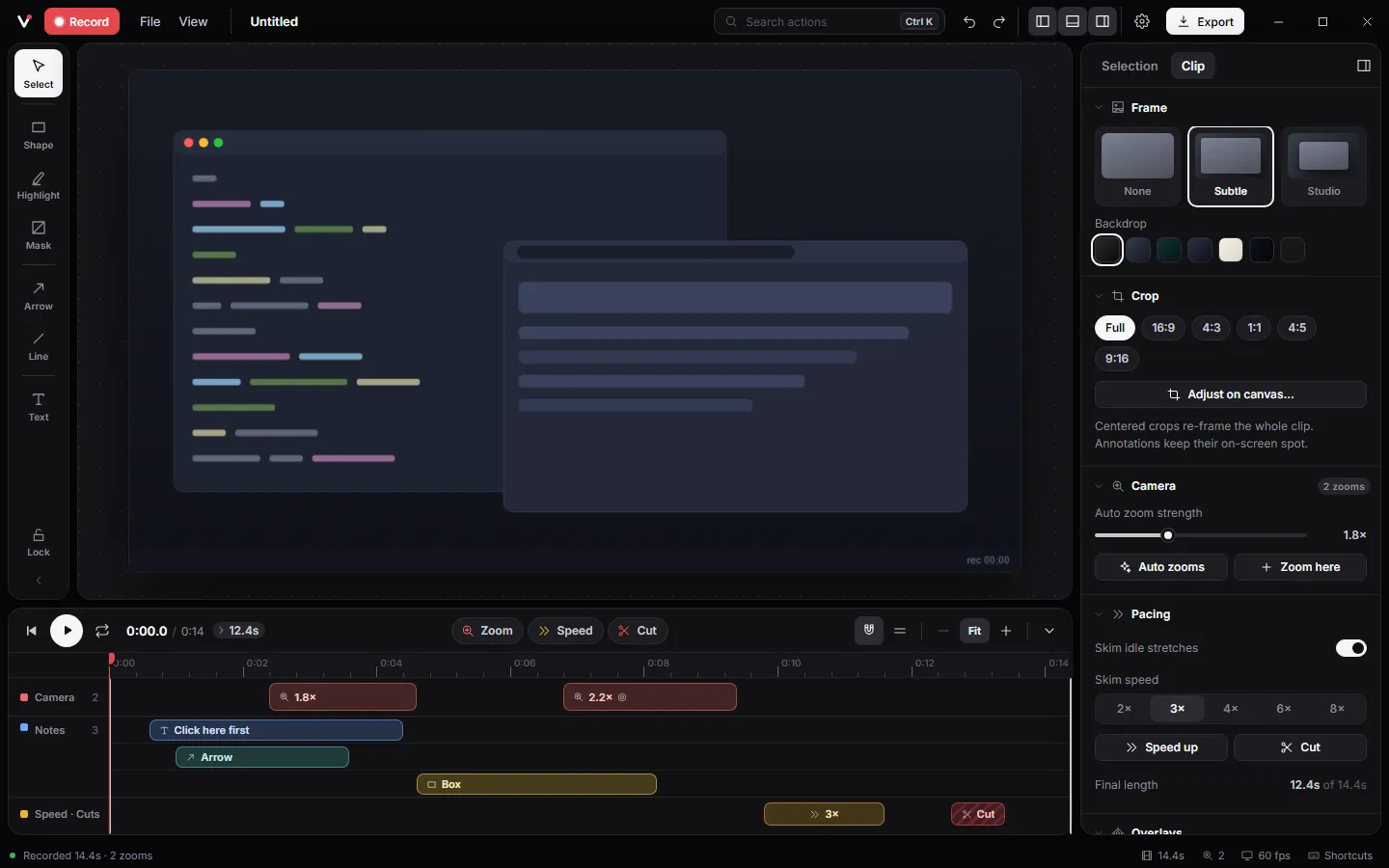
Hover the picture and press CtrlShiftZ to zoom yourself.
A real take.
How it works.
- 1
Press Ctrl+Shift+Z while you record. The camera glides to your pointer.
- 2
Press it again to pull back out.
- 3
Or skip the shortcut and let Auto zooms plan every zoom from your clicks.
Details
Never a hard cut
Zooms move on a critically damped spring, so they settle without bounce or overshoot.
Aim and feel
Each zoom can follow the pointer or lock to a spot, and feel Smooth, Snappy or Slow.
Motion blur
A touch of blur on every zoom and pan keeps a 30 fps GIF looking smooth.
A smooth pointer
Record without the real cursor and Vuoom redraws one: jitter removed, a press on every click, sized to stay readable.
Shortcuts.
- CtrlShiftZ
- Zoom in or out at the pointer while recording
- Z
- Add a zoom at the playhead in the editor
Questions.
Does it zoom on every mouse move?
No. Zooms follow clicks and your shortcut, and hold while you keep working in one area, so the video stays calm.
Can I change a zoom after recording?
Yes. Every zoom is a block on the timeline you can move, stretch, re-aim or delete. Auto zooms can re-plan all of them at a new strength.
Is there a free auto-zoom screen recorder for Windows?
Vuoom is one: free, open source under Apache-2.0, and native to Windows 10 and 11.